Clicker Training for Dogs: How to Start
Clicker training uses a short click to tell your dog the exact moment they got something right, and a treat always follows. First you charge the clicker: click, then treat, 10 to 20 times. Then you click the instant your dog does what you want. Once the behavior is reliable on cue, you stop clicking it.
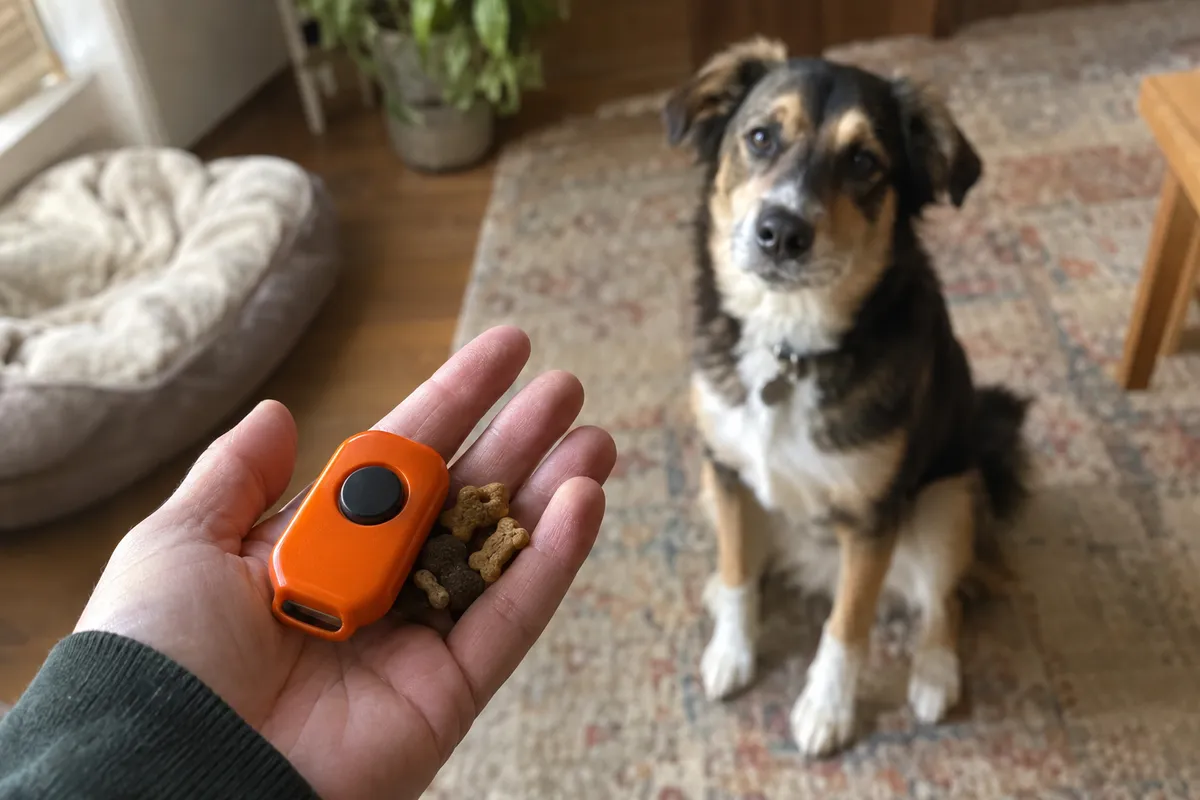
What you need
- A box clicker, a short marker word, or the Sit AI app
- About 30 small, soft treats per session, pea-sized for small dogs
- A treat pouch or a bowl on a shelf, out of your dog's reach
- A quiet room with a rug or other non-slip floor
- A timer set for 3 to 5 minutes
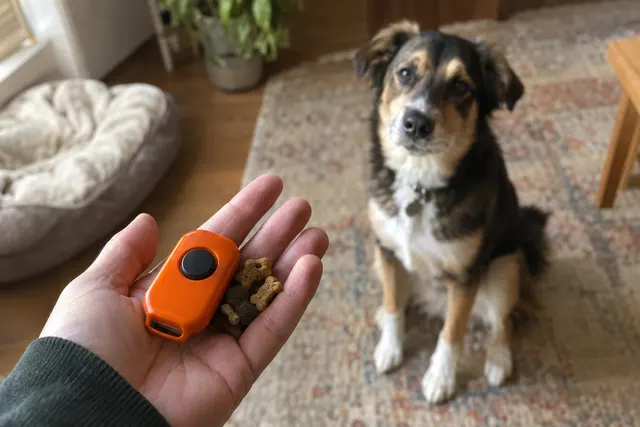
Clicker: A clicker is a small plastic box that makes the same short click every time, used to mark the exact instant a dog does the right thing.
Charging the clicker: Charging the clicker means pairing the click with a treat over and over until the sound alone tells your dog that food is coming.
Capturing: Capturing means waiting for your dog to do a behavior on their own, then clicking and rewarding it, with no luring or helping.
Step by step
Day 1: Charge the clicker
Sit on the floor with 20 treats in a pouch. Click, then hand over one treat, and repeat 10 to 20 times with short, random pauses between pairs. Don't ask for anything yet. You are only teaching that the click predicts food.
Day 2: Test the charge, then capture a sit
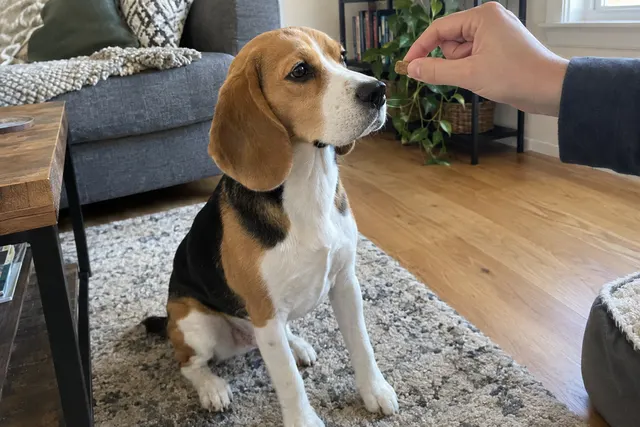
Wait until your dog looks away, then click. If their head turns straight to you, the click means something. Now wait quietly for a sit, click the instant the rear lands, and treat. Toss the next treat a step away so your dog has to stand up and can sit again.
Day 3: Get more sits per minute
Aim for 8 to 10 clicked sits in a 3-minute session. If your dog stalls for more than about 10 seconds, help with a lure: move a treat slowly up and back over their nose. Switch to an empty hand within a few reps so your dog doesn't learn to wait for food to appear.
Day 4: Add the word
When your dog sits within a second or two of standing up, say “sit” just before you expect it to happen. Click the sit and treat as usual. Say the cue once. Repeating it teaches your dog that the first “sit” is optional.
Day 5: Capture a second behavior
Pick something your dog already does, like looking at your face or lying down. In a separate short session, click and treat it a few times. This shows your dog that the click marks whatever they just did, not only sitting, and it makes them more willing to try things.
Day 6: Change rooms
Practice sit in the kitchen, the hallway and the yard. Expect your dog to be slower at first, because a new place is harder. Use a lure for a rep or two if you need it, then fade it again.
Day 7: Start fading the click for sit
If your dog sits on the first cue in at least 8 of 10 tries, stop clicking sit. Say “good” and give a treat some of the time, or use a real-life reward such as opening the door. Keep the clicker for the next new skill.
Timing
Click while the behavior is happening, not after it ends. For a sit, that is the moment the rear touches the floor. Get the treat to your dog within about 2 seconds of the click; FOUR PAWS advises no more than 2 to 3 seconds. Keep sessions to 3 to 5 minutes (1 to 2 for young puppies), two or three times a day, and stop while your dog still wants more.
Common mistakes
- Clicking to get your dog's attention. If you click to make your dog look at you, the click starts to mean “look over here” instead of “that was right”. Use their name or a kissy noise to get attention, and keep the click for marking.
- Clicking without a treat. While your dog is learning, every click needs a reward, even one you made by accident. Skipped treats teach your dog that the click doesn't reliably mean anything.
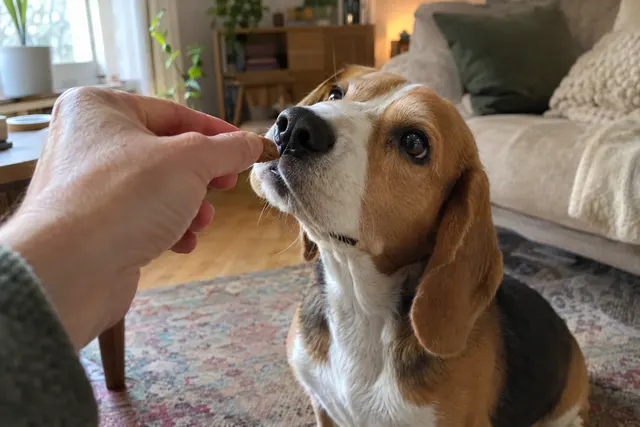
- Showing the treat before the click. If the treat is already in your hand, your dog watches your hand, not their own body. Keep treats in a pouch or on a shelf and reach for one only after you click.
- Clicking as the behavior ends. A click that comes as your dog stands back up marks the standing up. Watch for the start of the behavior and click then. Our clicker timing guide explains why a fraction of a second matters.
- Clicking more than once. Three quick clicks for one good sit blur the signal. One click, one treat. If you want to show you are pleased, give an extra treat or two after the single click.
- Holding the clicker next to your dog's ear. A box clicker is loud up close. Hold it at your side or behind your back, and for a sound-sensitive dog, start with it inside a pocket.
- Sessions that run too long. After a few minutes most dogs slow down and start guessing. Short sessions with a lot of clicks teach more than one long one. End on an easy win.
Troubleshooting
| If your dog… | Try this |
|---|---|
| If your dog is scared of the click | Stop and make it quieter: click inside a pocket or wrapped in a towel, then follow with a great treat. If your dog still backs away, switch to a marker word, a soft pen click, or a screen flash. The marker doesn't have to be a clicker. |
| If your dog ignores the click | The click isn't charged yet, or the treats aren't worth it. Go back to 10 to 20 plain click-treat pairs in a quiet room with a better treat, such as small bits of chicken. |
| If your dog only works when they can see the clicker or treats | Put the treat bowl on a counter and the clicker in your pocket, and practice from different spots in the room. Your dog should learn that the sound pays, not the sight of the gear. |
| If your dog gets frantic and throws every trick at you | Lower the energy. Use plainer treats, deliver them slowly to your dog's mouth, and click calm behaviors like sitting or lying down. End the session if your dog starts barking or jumping. |
| If your dog stops after each click | That is normal. The click ends the behavior and your dog comes for the treat. Reset by tossing the treat a step away so they can do the behavior again. |
| If you keep clicking too late | Practice without your dog. Drop a tennis ball and click the instant it hits the floor, 10 times a day for a few days. Or use a marker word, which some people find easier to time. |
By age
- Puppy (8 to 16 weeks)
- Charge the clicker in the first week home. Keep sessions to 1 or 2 minutes and use tiny, soft treats, since puppies tire fast and fill up fast. Capture what your puppy already does: sitting, looking at you, lying on a mat.
- Adolescent (about 6 to 18 months)
- Expect your dog to seem to forget things in new places. Go back a step there and click easier versions. Train before meals, and use more short sessions instead of fewer long ones.
- Adult
- Adults often learn the click quickly and focus longer, so 5-minute sessions are fine. Rescue dogs with an unknown past may need a few extra charging sessions before they relax and start offering behaviors.
- Senior
- If your dog's hearing is fading, swap the click for a visual marker such as a thumbs-up or a screen flash. Choose behaviors that are easy on the joints, and train on a non-slip surface.
What to work on next
Once sit is solid, use the same pattern for down, stay and come: capture or lure the behavior, click the moment it happens, then add the cue. Read our clicker timing guide to tighten your timing, and the marker training guide if you want to use a word instead of a clicker.
How Sit AI helps
Sit AI takes the hardest part of this plan off your hands for sit: watching for the exact moment. The camera sees the sit, plays your marker (a click, a spoken "Yes!" or a screen flash) and tells you to treat. It scores each session and tells you when to move on, so you always know your dog is learning.
When to get help
See your vet first if your dog suddenly avoids sitting or lying down, sits slowly or lopsided, or seems sore, because pain can look like stubbornness. If your dog panics at sounds in general, or shows fear or aggression around food or people, work with a certified trainer (CPDT-KA or KPA-CTP) or a veterinary behaviorist.
FAQ
Do I have to use a clicker forever?
No. The clicker is for teaching. Once your dog does a behavior on the first cue in most places, stop clicking it and switch to praise, occasional treats and real-life rewards like a door opening. Keep the clicker for the next new skill you teach.
Is a clicker better than saying “yes”?
Not by much, if at all. Controlled studies by Chiandetti and colleagues (2016) and Gilchrist and colleagues (2021) found no clear difference in learning speed between a clicker, a marker word and food alone. A clicker sounds the same every time; a word is always with you. Pick one and be consistent.
What if I click by mistake?
Give a treat anyway. One wrong click won't ruin anything, but a click with no treat weakens what the sound means. Then slow down, decide exactly what you are clicking, and try again.
Can I clicker train an older dog?
Yes. Dogs of any age can learn that a click means food is coming. A dog who was punished for offering behaviors in the past may be slow to try things at first, so start with easy captures and be generous with treats.