Dog Clicker Sound: What Works and Why
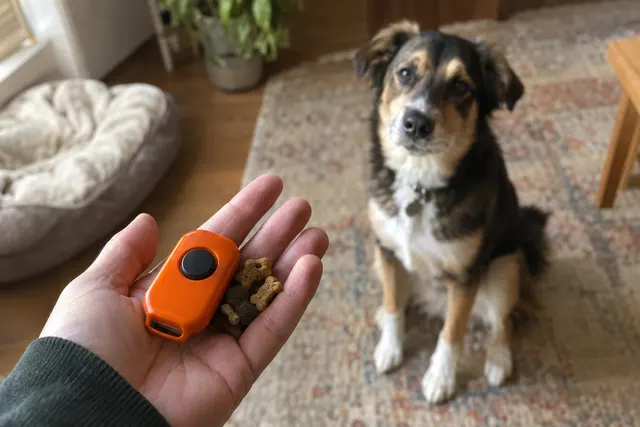
A good dog clicker sound is short, sharp and exactly the same every time. On its own it means nothing to your dog. It only works after you pair it with treats, about 10 to 20 times, so the sound predicts food. Any consistent click works, from a box clicker, a phone, or our free online clicker.
What you need
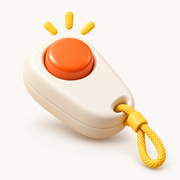
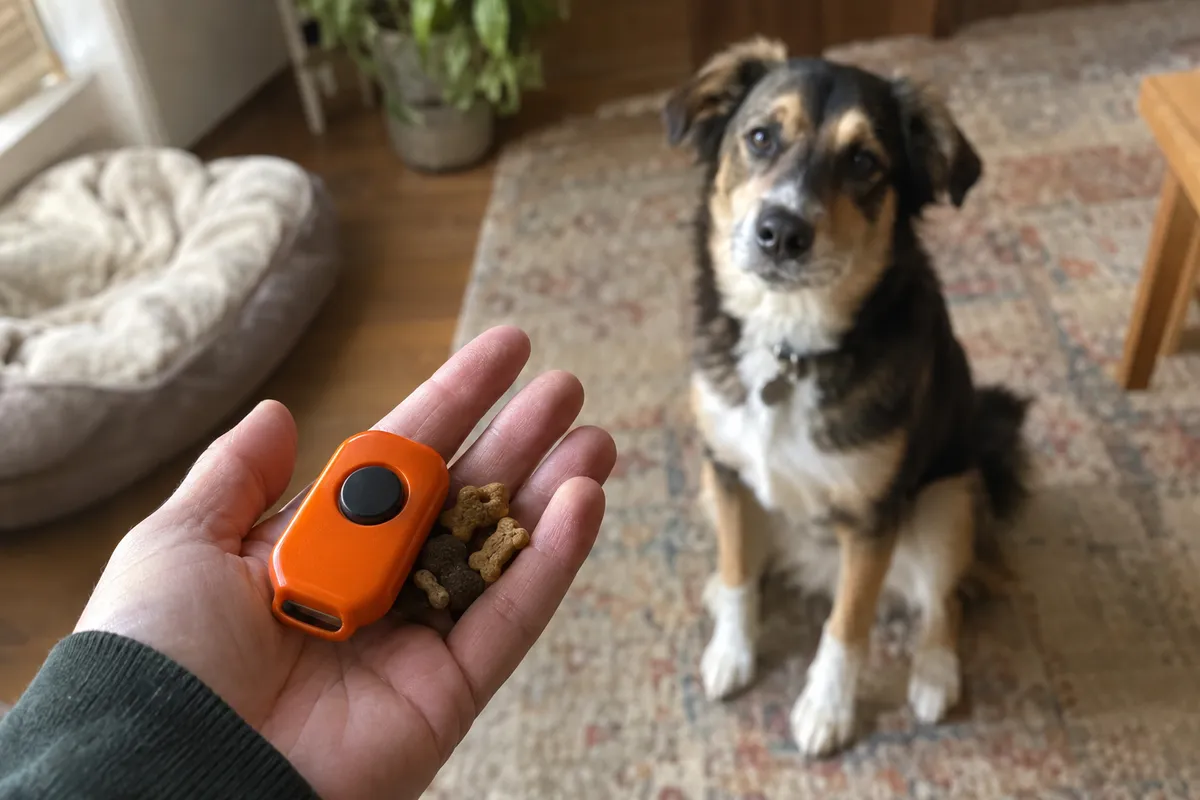
- One sound source: a box clicker, a phone, or the free online clicker on this site
- Small, soft treats
- A quiet room for the first pairing session
- A way to turn the volume down if your dog is sound-sensitive
Clicker sound: A clicker sound is a short, sharp click, identical every time, used as a marker to tell a dog the exact moment they did the right thing.
Conditioned reinforcer: A conditioned reinforcer is a signal that becomes rewarding to a dog only because it has been paired many times with something they already like, such as food.
Step by step
Pick one sound and keep it
Choose one click: a box clicker, a phone app, or the free online clicker at sitai.app/tools/dog-clicker. Stick with it. Switching between sound effects means your dog has to learn each one from scratch.
Set the volume before your dog is in the room
Start quieter than you think; the online clicker has a volume slider. Play it at arm's length from your dog, not next to their ear. You can turn it up later. A dog who is startled on day one may take a long time to like the sound.
Pair it with food
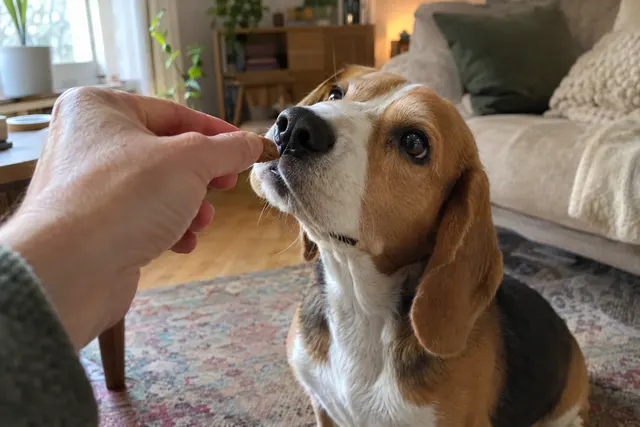
Click, then give a treat. Repeat 10 to 20 times with random pauses. Don't ask for any behavior. This pairing, often called charging, is what gives the sound its meaning.
Watch your dog's reaction
A head turn toward you or the treat pouch means it is working. A flinch, flattened ears, or walking away means the sound is too much. Stop, make it quieter, and pair again, or switch to a different marker.
Check for lag
If you are using a phone, tap and listen. If the sound arrives noticeably after your tap, it will mark the wrong moment. Try a different app or browser, use a box clicker, or use a marker word.
Keep the sound special
Don't use it as a ringtone or a notification sound, and don't play it to call your dog. If the click plays all day with no food, it stops meaning anything.
Timing
The sound should play the instant you tap, with no lag you can hear. Treat within about 2 seconds of the click. For the first pairing session, do 10 to 20 click-and-treat pairs over 2 or 3 minutes, then stop.
Common mistakes
- Expecting the sound to do the training. A downloaded “dog clicker sound effect” is just a noise until you pair it with treats. No sound has a built-in meaning for dogs.
- Starting too loud. A box clicker right next to a dog's ear is sharp. Start with the clicker in a pocket or behind your back, or the phone at low volume, and build up.
- Switching sounds. One day a box clicker, the next a phone, the next a video on speaker. Each new sound is a new signal. Choose one.
- Using the click to call your dog. The click means “that was right”. If you use it to get attention, it no longer marks a moment, and your dog learns to come to the sound instead of thinking about what they did.
- Using a tongue click you already make. Many people already cluck or kiss at their dog all day. If that sound is your marker, it gets diluted. Pick a sound you only use in training.
- Playing a clicker video from a website or a speaker. Ads, buffering and slow taps add delay, and a late click marks the wrong behavior. Use something that plays the moment you tap.
Troubleshooting
| If your dog… | Try this |
|---|---|
| If your dog flinches or leaves the room at the click | Stop. Muffle the sound in a pocket or a towel, or turn the phone down, and pair it with great treats from a distance. If your dog still dislikes it, switch markers. A soft word or a screen flash works just as well. |
| If your dog doesn't react to the sound at all | It isn't paired yet, or it is too quiet for the room. Do another 10 to 20 pairs somewhere quiet. If your dog also ignores other sounds they used to notice, ask your vet to check their hearing. |
| If your dog reacts to clicks from the TV or other people | That is a side effect of a common sound. It does little harm, but if it bothers you, use a less common sound or a marker word that only you say. |
| If your dog is deaf or losing their hearing | Use a light. Karen Pryor Clicker Training suggests a light flash for deaf dogs, or a hand signal like a thumbs-up. Pair it with treats exactly as you would a click. |
| If the sound on your phone lags behind your tap | Close other apps, try a different browser or app, or use a box clicker. Lag of even a fraction of a second can put the click on the wrong behavior. |
By age
- Puppy (8 to 16 weeks)
- Young puppies can startle at sharp sounds. Start quiet, pair the click with food right away, and keep the first session to a minute or two.
- Adolescent (about 6 to 18 months)
- Some adolescent dogs go through spells of being more wary of new things. If a click your dog liked suddenly worries them, turn it down and pair it again for a few days.
- Adult
- Adults with a history of noise fears, such as fireworks or thunder, may do better with a soft marker from the start: a muffled click, a low phone volume, or a word.
- Senior
- Hearing often fades with age, and a click your dog used to notice may go unheard. A screen flash or a thumbs-up keeps training going.
What to work on next
Once the sound is paired, use it to teach sit, then build from there. Our clicker training guide has a 7-day starter plan, and the clicker timing guide explains how to make the click land at the right moment.
How Sit AI helps
Sit AI plays the marker for you when your iPhone's camera sees a sit: a click, a spoken "Yes!" or a screen flash for deaf dogs and quiet rooms. Then it tells you to treat and keeps score, so your dog always hears the same sound at the right moment, and you can see them learning.
When to get help
See your vet if your dog stops responding to sounds they used to notice, since it can be hearing loss or another health problem. If your dog panics at everyday sounds, such as doors, traffic or kitchen noise, work with a veterinary behaviorist or a certified trainer (CPDT-KA or KPA-CTP).
FAQ
Is there a free dog clicker sound?
Yes. Our free online clicker at sitai.app/tools/dog-clicker plays a click when you tap the button or press the spacebar. Any other consistent click works too. What matters is that you use one sound and pair it with treats before you start training.
Is a phone clicker as good as a real clicker?
It can be. A box clicker is cheap, loud and has no lag. A phone is always with you and can be turned down for a sensitive dog. Either works if the sound is identical every time and plays the instant you tap.
Is a tongue click or “yes” as good as a clicker?
In controlled studies, dogs learned about as well with a spoken marker as with a clicker. A clicker sounds the same every time; your voice is always with you. A tongue click works too, if you don't already use it for other things.
What if my dog is scared of the clicker sound?
Muffle it or turn it down and pair it slowly with great treats. If your dog is still uneasy after a session or two, switch to a quiet marker word or a light flash. The marker only has to be clear, not loud.